Privacy & Security
FRENZY.BOT is built for businesses that take data ownership seriously. Unlike SaaS chatbot platforms where your data lives on shared servers, FRENZY.BOT runs on a dedicated private cloud server managed exclusively for your account.
Your data stays yours
Private cloud deployment
- Your bot runs on a dedicated private server — not a shared multi-tenant cluster.
- No other customer's data or code exists on your server.
- The server is fully managed for you by the FRENZY.BOT team.
No data sharing
- Your knowledge base, conversations, leads, and settings are stored in your own private database.
- Vector embeddings live in your own dedicated search engine.
- Nothing is sent to FRENZY.BOT's central servers except optional license validation.
Zero Data Retention (ZDR)
When ZDR is enabled, the AI providers that process your prompts are contractually prohibited from storing or training on your data.
How ZDR works
- Go to Settings → AI Engine.
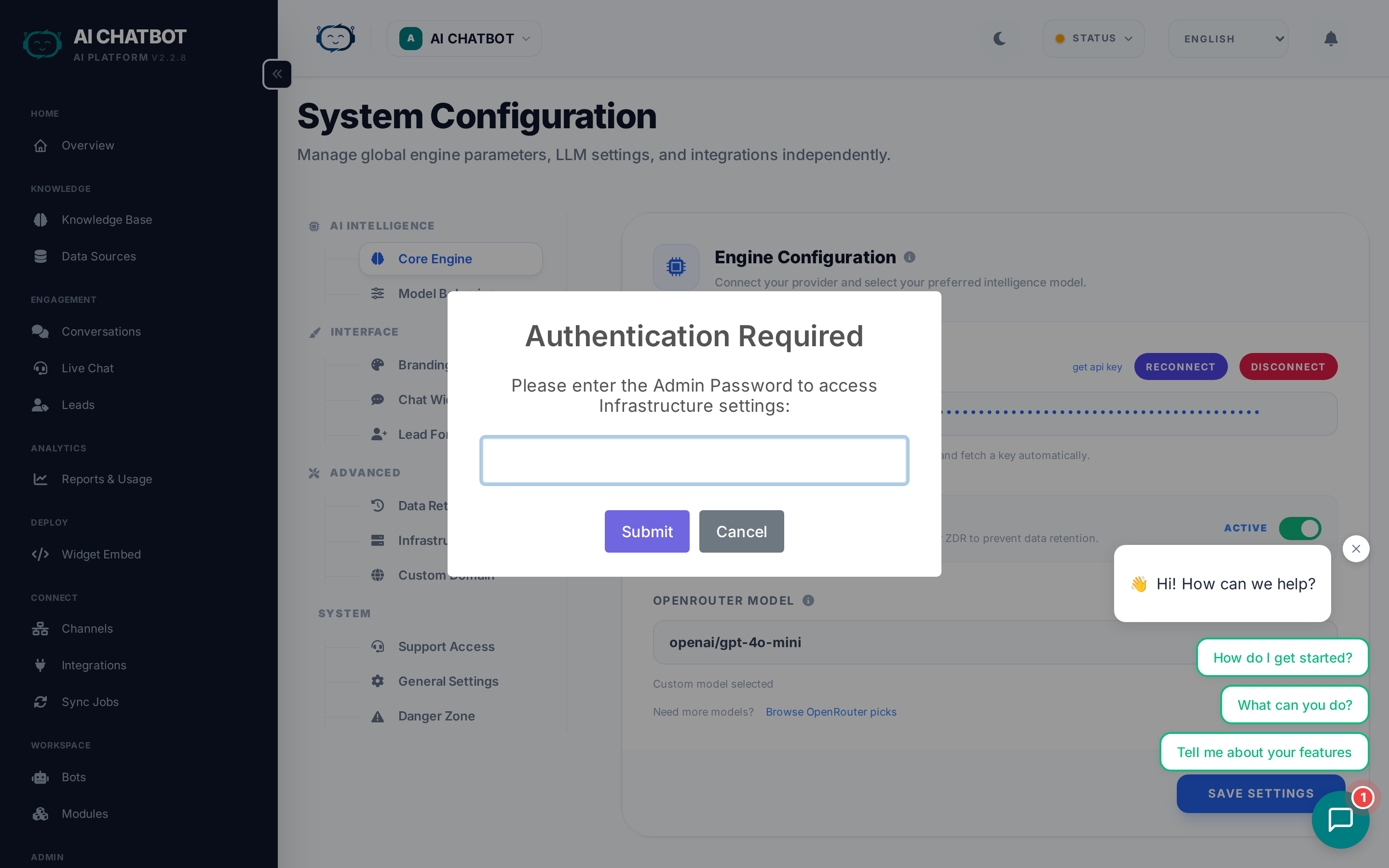
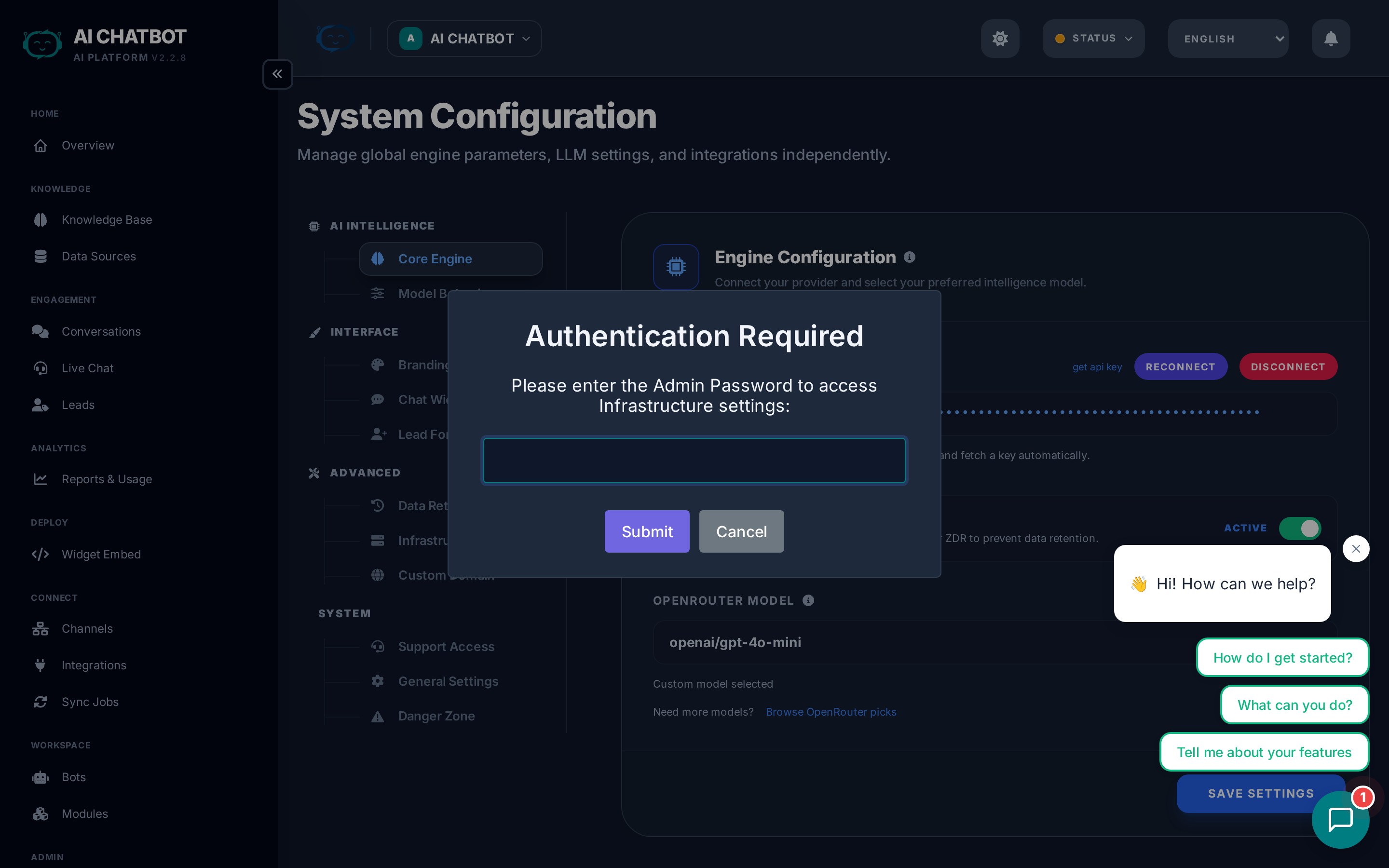
- Enable the Zero Data Retention toggle.
- Every API request to OpenRouter includes the
provider.zdr: trueflag. - OpenRouter routes your request only to providers that honor ZDR.
What ZDR guarantees
- Your prompts and responses are processed but never stored by the AI provider.
- Your data is never used for model training or improvement.
- This is enforced at the API level — not just a policy promise.
Model availability with ZDR
Not all models support zero data retention. When ZDR is enabled, the available model list may be smaller. Check the OpenRouter ZDR documentation for current compatibility.
Authentication & access control
Login security
- Dashboard access requires username + password authentication.
- Session duration is configurable (up to 1 month maximum).
- Shorter sessions are recommended for higher security environments.
Role-based access control (RBAC)
FRENZY.BOT uses module-level RBAC to control what each team member can access:
| Role | Access level |
|---|---|
| Admin | Full access to all modules and settings |
| Manager | Operational access — no User Management or System Logs |
| Staff | Daily operations only — Knowledge Base, Conversations, Leads, Integrations, Channels |
- Each user has exactly one role.
- Sidebar navigation and API endpoints both enforce permissions.
- Unauthorized access returns a 403 error (not a redirect — prevents information leakage).
Admin protection
- The primary admin account cannot be deleted or deactivated.
- Admin username, email, and role are locked — only password can be updated.
- This prevents accidental lockout.
For full RBAC details, see Roles & Access (RBAC).
Infrastructure security
- All internal services are not accessible from the internet — only your dashboard and widget are exposed.
- The WhatsApp service port is firewalled to authorized IPs only.
- Custom domains use Let's Encrypt SSL with automatic certificate provisioning and renewal.
- Cloudflare proxy is supported with Full Strict SSL mode.
- API keys and secrets are stored securely in the database — not in plain-text config files.
- Settings changes persist immediately without server restarts.
Backup & recovery
- Automatic backups are performed before every system update.
- You can export your bot's data from Settings → Danger Zone → Export Data.
- Uploaded files and knowledge base content can be re-indexed from source if needed.
- Contact your account manager to request a full backup or migration.
Compliance considerations
- GDPR: Data stays in your chosen datacenter region. You control retention and deletion.
- Data residency: Choose your datacenter location (EU or US).
- Audit trail: All configuration changes are logged in System Activity Logs with before/after values, user identity, IP address, and timestamp.
- Data deletion: Delete individual sessions, leads, or entire bots with cascading cleanup of all related records.
FAQ
Q: Can FRENZY.BOT staff access my server?
- Only with your permission for support purposes. Access can be revoked at any time.
Q: Where is my data stored geographically?
- On your dedicated private server in the datacenter region you selected (EU or US).
Q: Is the data encrypted at rest?
- Server-level filesystem encryption is available. Application-level encryption at rest is on the roadmap.
Q: How do I rotate my API keys?
- Go to Settings → AI Engine, disconnect OpenRouter, and reconnect with a new key. For other integrations, update the credentials in the respective integration settings.