Roles & Access (RBAC)
Path: /dashboard/roles · Permission: Admin only
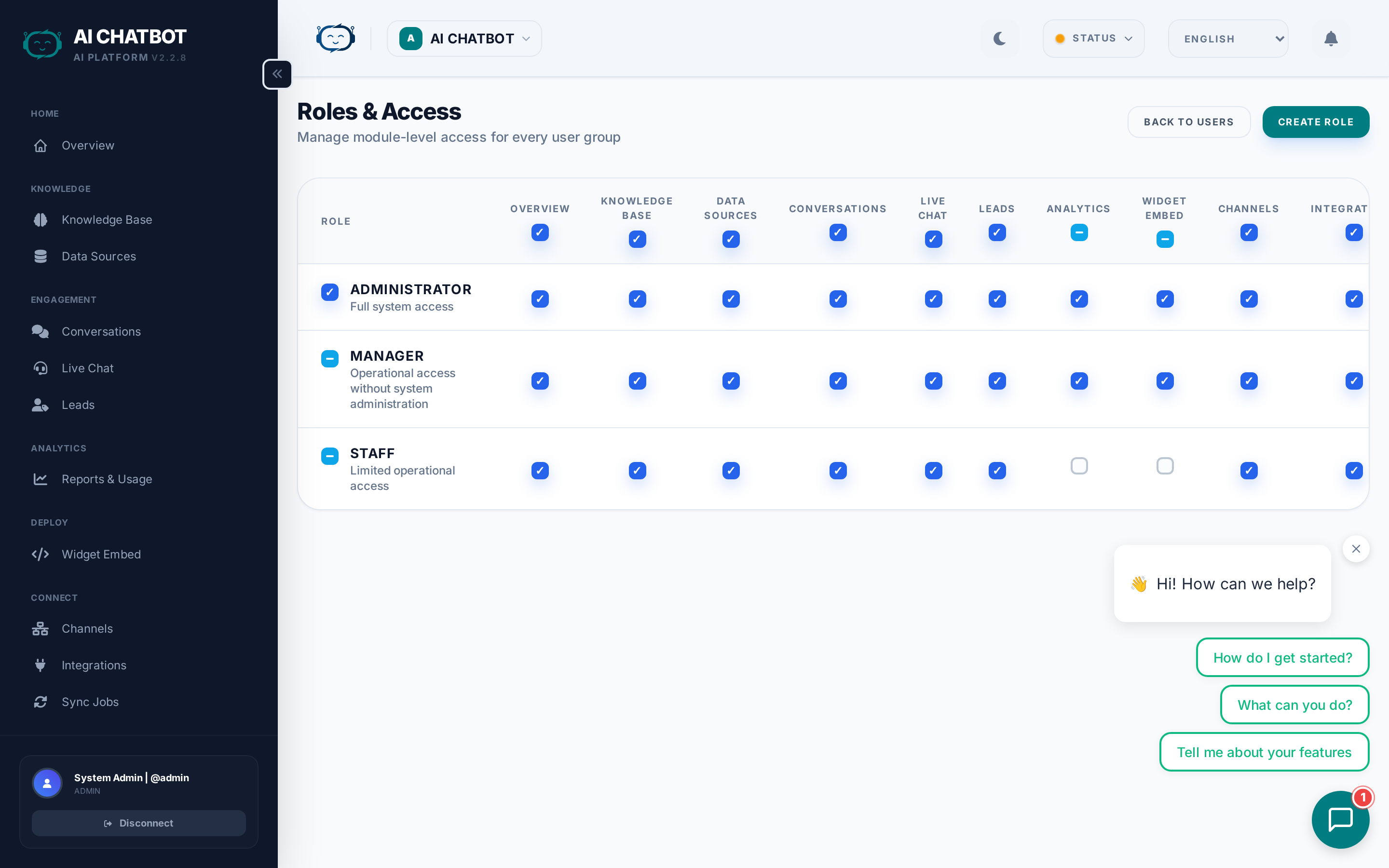
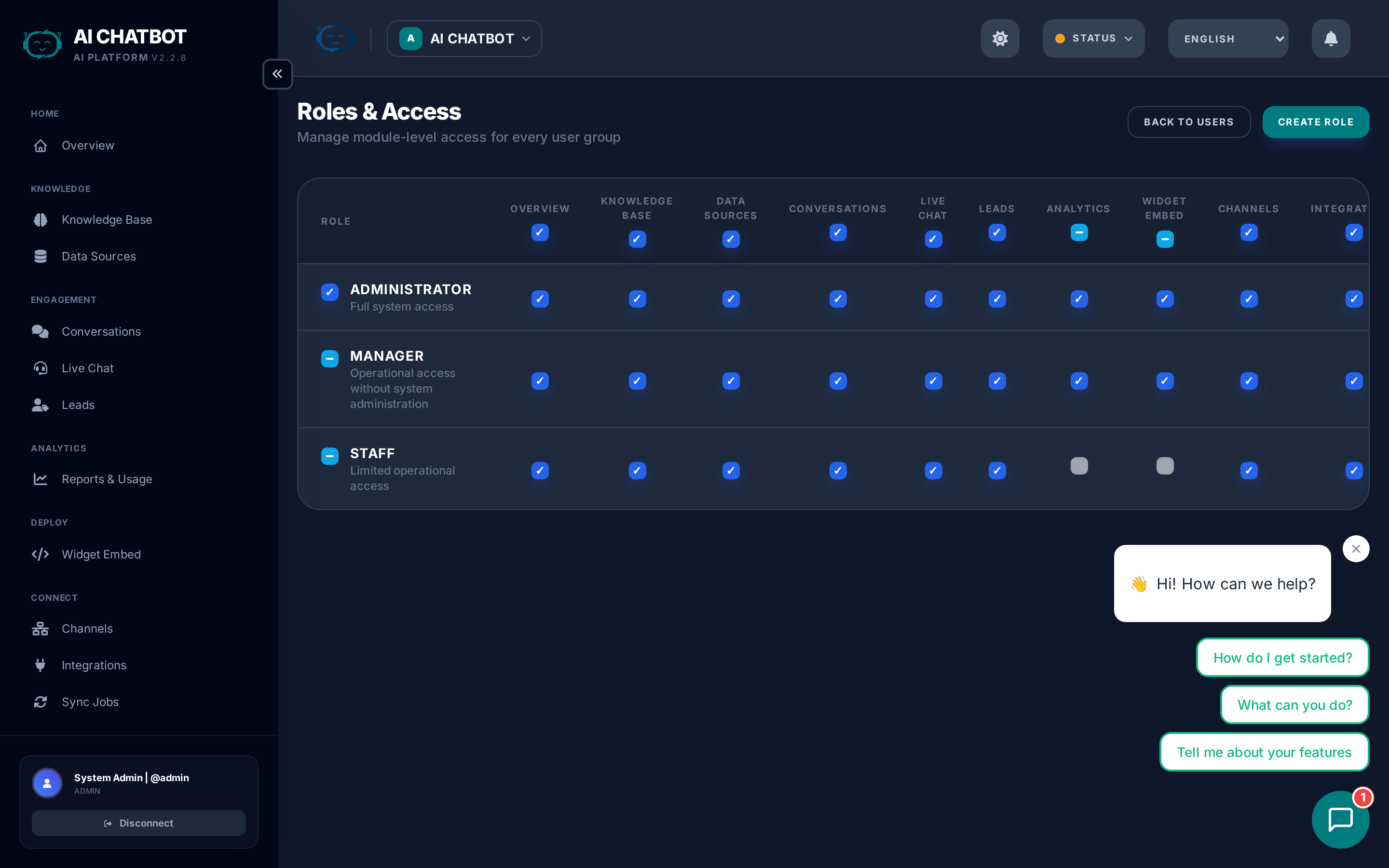
FRENZY.BOT uses module-level Role-Based Access Control (RBAC) to manage what each team member can see and do in the dashboard. This ensures that staff can handle daily tasks without accidentally changing system settings.
How RBAC works
- Each user is assigned exactly one role.
- Each role has a set of module permissions — either access to a module or not.
- When a user logs in, the sidebar only shows modules their role allows.
- API endpoints also enforce permissions — even if someone manually navigates to a URL, unauthorized requests return a 403 Forbidden error.
Default roles
| Role | Modules included | Modules excluded |
|---|---|---|
| Admin | All modules | None |
| Manager | Knowledge Base, Conversations, Handoff, Leads, Analytics, Channels, Integrations, Sync Jobs, Settings, Embed, Modules | User Management, System Logs |
| Staff | Knowledge Base, Conversations, Leads, Integrations, Channels, Sync Jobs | Settings, Users, Roles, Analytics, System Logs, Modules, Embed |
These defaults cover most team structures. You can customize them using the permission matrix.
Permission matrix
The Roles & Access page (/dashboard/roles) shows a grid of roles × modules with toggle switches:
- Toggle individual modules on/off for each role.
- Bulk toggle — Enable or disable all modules at once for a role.
- Changes take effect immediately — the user's sidebar updates on their next page load.
Available modules
| Module | What it controls |
|---|---|
| Knowledge Base | Upload files, URLs, FAQs; manage data sources |
| Conversations | View chat history and session transcripts |
| Handoff | Live chat agent workspace |
| Leads | Lead pipeline and contact management |
| Analytics | Reports, funnel metrics, usage data |
| Channels | WhatsApp, Telegram, Discord, etc. |
| Integrations | Email, Webhook, Google Sheets, MailChimp |
| Sync Jobs | Background task monitoring |
| Settings | AI engine, branding, widget, system config |
| Users | Team member management |
| Roles | Permission matrix (this page) |
| Modules | Capability activation and management |
| Embed | Widget embed code generator |
| Activity Logs | System audit trail |
Typical role configurations
| Team member | Recommended role | Why |
|---|---|---|
| Business owner | Admin | Needs full control over settings, users, and billing |
| Operations manager | Manager | Manages daily operations, analytics, and integrations without system access |
| Support agent | Staff | Handles conversations, leads, and knowledge base without access to settings |
| Content manager | Staff (with KB + Sync Jobs) | Manages knowledge base content only |
How to update a role
- Go to Roles & Access in the sidebar.
- Find the role you want to modify.
- Toggle the modules you want to enable or disable.
- Changes save automatically.
- Users with that role see the updated sidebar on their next page load.
Test after changes
After modifying a role, log in as a user with that role (or ask them to refresh) to verify the sidebar and access are correct.
Admin protection
- The primary admin account cannot be deleted, deactivated, or have its role changed.
- Admin username and email are locked — only the password can be updated.
- This ensures there is always at least one account with full system access.
Enforcement details
RBAC is enforced at two levels:
- UI level — The sidebar hides modules the user's role doesn't include. Unauthorized pages show a permission denied screen.
- API level — Every dashboard API endpoint checks the user's role before processing the request. Unauthorized requests return HTTP 403.
This dual enforcement means even if someone bookmarks or manually enters a URL, they cannot bypass permissions.
FAQ
Q: Why does a user see a 403 error instead of being redirected to login?
- The user is logged in but their role doesn't include that module. 403 (Forbidden) is shown intentionally — it means "you're authenticated but not authorized." Update their role in Roles & Access.
Q: Can I create custom roles beyond Admin/Manager/Staff?
- The current system supports the three built-in roles with customizable module permissions. Custom named roles are on the roadmap.
Q: Do role changes require the user to log out and back in?
- No. Role changes take effect on the user's next page navigation. They don't need to log out.
Q: Is RBAC per-bot or global?
- RBAC is global — a user's role applies across all bots they have access to. Per-bot role scoping is on the roadmap.