Conversations
Path: /dashboard/conversations · Permission: Conversations module
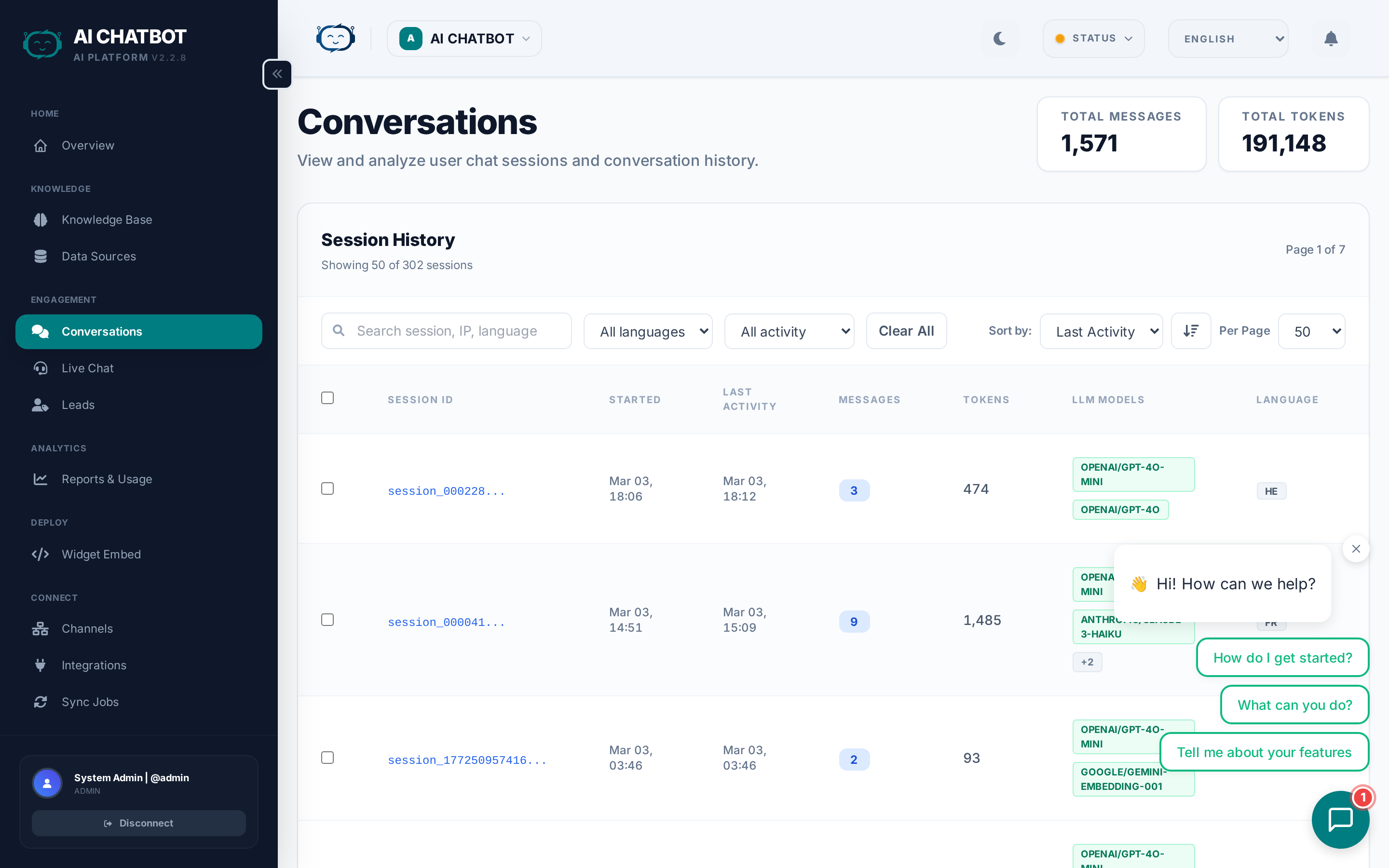
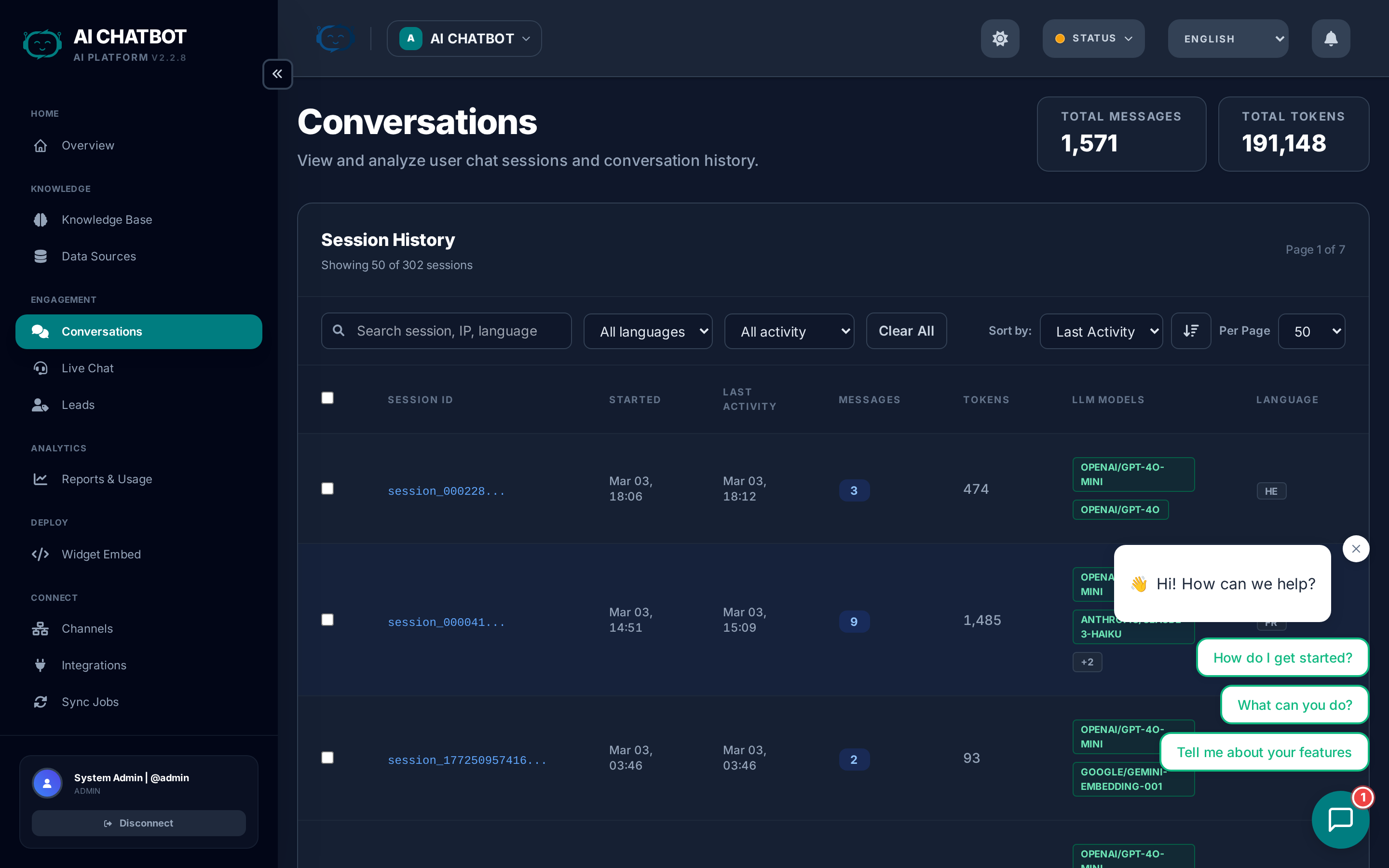
The Conversations page is the audit log for every chat session your bot handles. Use it to review what users are asking, verify AI accuracy, spot knowledge gaps, and identify opportunities to improve your knowledge base.
Summary counters
At the top-right of the page, two counters give you a quick pulse:
| Counter | What it shows |
|---|---|
| Total Messages | Lifetime count of all messages exchanged (user + bot) |
| Total Tokens | Lifetime AI tokens consumed across all sessions |
These are all-time values for the currently selected bot, not filtered by date.
Session table
Each row represents one conversation session. The table columns are:
| Column | What it shows |
|---|---|
| Checkbox | Select sessions for bulk actions (delete) |
| Session ID | Unique identifier — click to open the full transcript |
| Started | Date and time the conversation began |
| Last Activity | Most recent message timestamp |
| Messages | Number of messages exchanged (user + bot combined) |
| Tokens | Total AI tokens consumed in this session |
| LLM Models | Which AI models were used (shown as badges — e.g., DeepSeek-V3, GPT-4o) |
| Language | Detected language of the conversation (EN, HE, ES, etc.) |
| IP Address | User's IP address — useful for security review and geo context |
| Actions | Delete button for the individual session |
Filtering and search
The filter bar above the table lets you narrow down sessions:
| Filter | What it does |
|---|---|
| Search | Free-text search across session ID, IP address, and language |
| Language | Dropdown to show only sessions in a specific language |
| Activity | Time-based filter: Last 24h, Last 7d, or Older than 7d |
| Clear All | Reset all filters to show everything |
Sorting
Use the Sort by dropdown to order sessions by:
- Last Activity (default) — Most recently active conversations first
- Started — Oldest or newest sessions
- Messages — Sessions with the most messages
- Tokens — Highest token consumption
- Language — Group by language
- IP Address — Group by user location
- Session ID — Alphabetical session ordering
Click the arrow button next to Sort by to toggle between ascending (↑) and descending (↓) order.
Pagination
Use the Per Page dropdown to show 10, 25, 50, or 100 sessions per page. Page navigation appears at the top of the table when there are more sessions than the current page size.
Bulk actions
To delete multiple sessions at once:
- Check the boxes next to the sessions you want to remove (or use the header checkbox to select all on the current page).
- A red Delete Selected button appears at the top with the count of selected sessions.
- Click to delete all selected sessions.
Deletion is permanent
Deleted sessions cannot be restored. If you need records for compliance or review, export the data before deleting.
Transcript view
Click any Session ID to open the full conversation transcript. The transcript shows every message in order — user questions and bot responses — with timestamps.
Use the transcript to:
- Verify accuracy — Is the bot giving correct information?
- Identify gaps — Questions the bot couldn't answer well indicate missing knowledge base content.
- Capture FAQ candidates — Repeated questions with good answers can be turned into FAQs for faster, more consistent responses.
- Quality review — Check tone, formatting, and whether the system prompt is being followed.
- Review model performance — The LLM Models column shows which model handled each session, so you can compare quality across models.
Improving answers from conversations
This is the most valuable feedback loop in FRENZY.BOT:
- Sort by Last Activity to review the most recent sessions first.
- Open the transcript and read through the conversation.
- If the bot answered incorrectly or weakly:
- Add an FAQ with the correct answer → Knowledge Base
- Upload better source documents covering the topic
- Refine the system prompt in Settings → Model Behavior
- If the answer was good — Consider converting it into an FAQ for faster, guaranteed responses.
- Check the Language column — If users are asking in languages your knowledge base doesn't cover, add translated content or FAQs.
Weekly review habit
Spend 15 minutes each week reviewing the top 10 most recent conversations. This simple habit catches knowledge gaps early and keeps your bot improving continuously.
Multi-bot scoping
All conversations shown are scoped to the currently selected bot. Switch bots using the workspace dropdown in the header to view conversations for a different bot.
FAQ
Q: Why do some sessions show 0 messages?
- The user opened the widget but didn't type anything. These are "opened but abandoned" sessions.
Q: What do the LLM Model badges mean?
- Each badge shows an AI model that was used during that session. If multiple models appear, it means the session used different models for different tasks (e.g., one for chat, another for embeddings).
Q: Can I export conversation data?
- Use the export options in the dashboard. For bulk compliance exports, contact your account manager.
Q: Why is the response time slow for some sessions?
- Response time depends on the AI model selected, the amount of knowledge base content retrieved, and server load. Consider switching to a faster model (e.g., Gemini Flash) for latency-sensitive use cases. See AI Models.
Q: Can I see conversations from WhatsApp or Telegram?
- Yes. All channel conversations appear in the same Conversations page. All channels are unified in one view.
Q: How do I find a specific conversation?
- Use the Search box to search by session ID, IP address, or language. Or use the Activity filter to narrow by time range.