Activity Logs
Path: /dashboard/activity · Permission: Activity Logs module (Admin only)
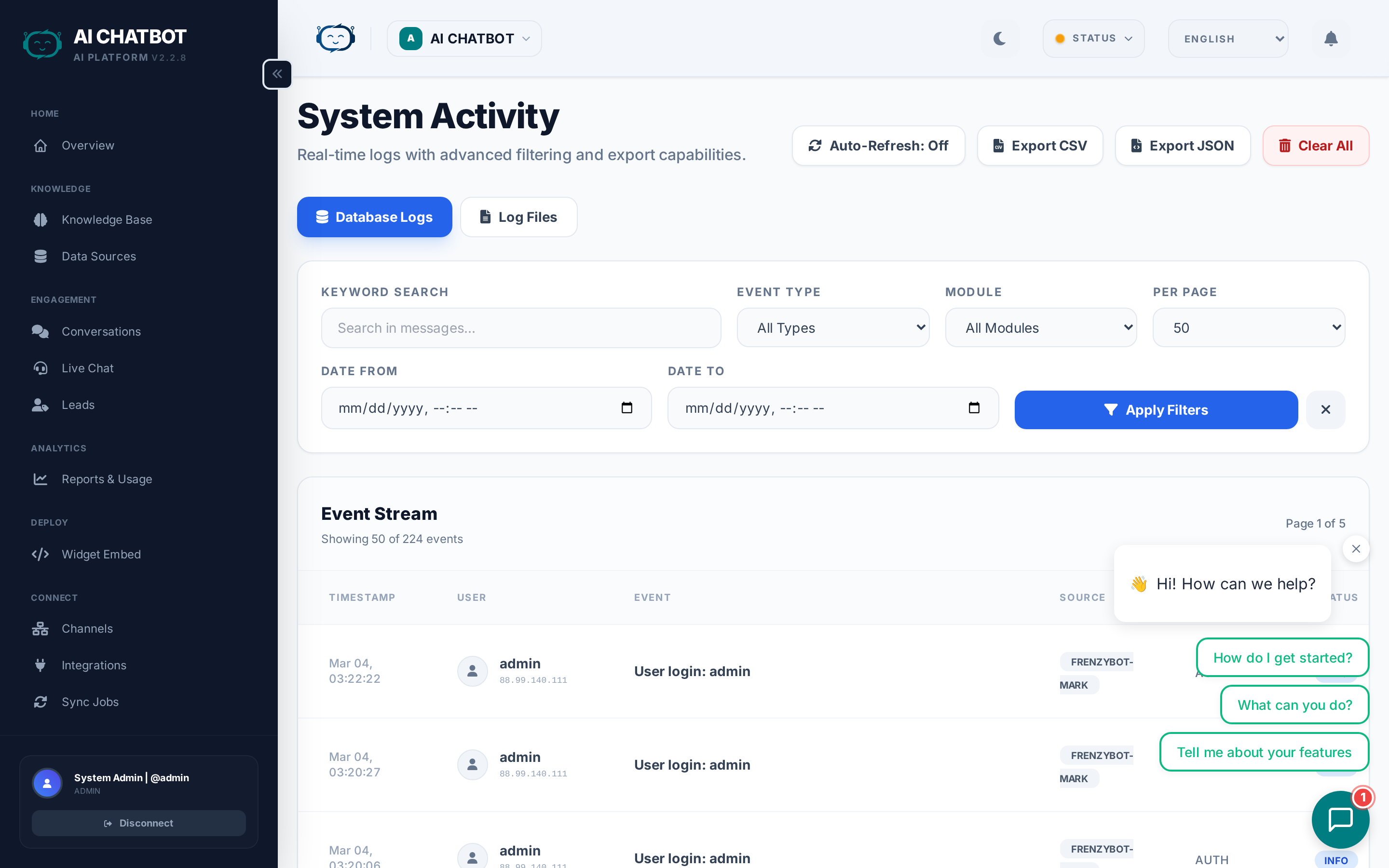
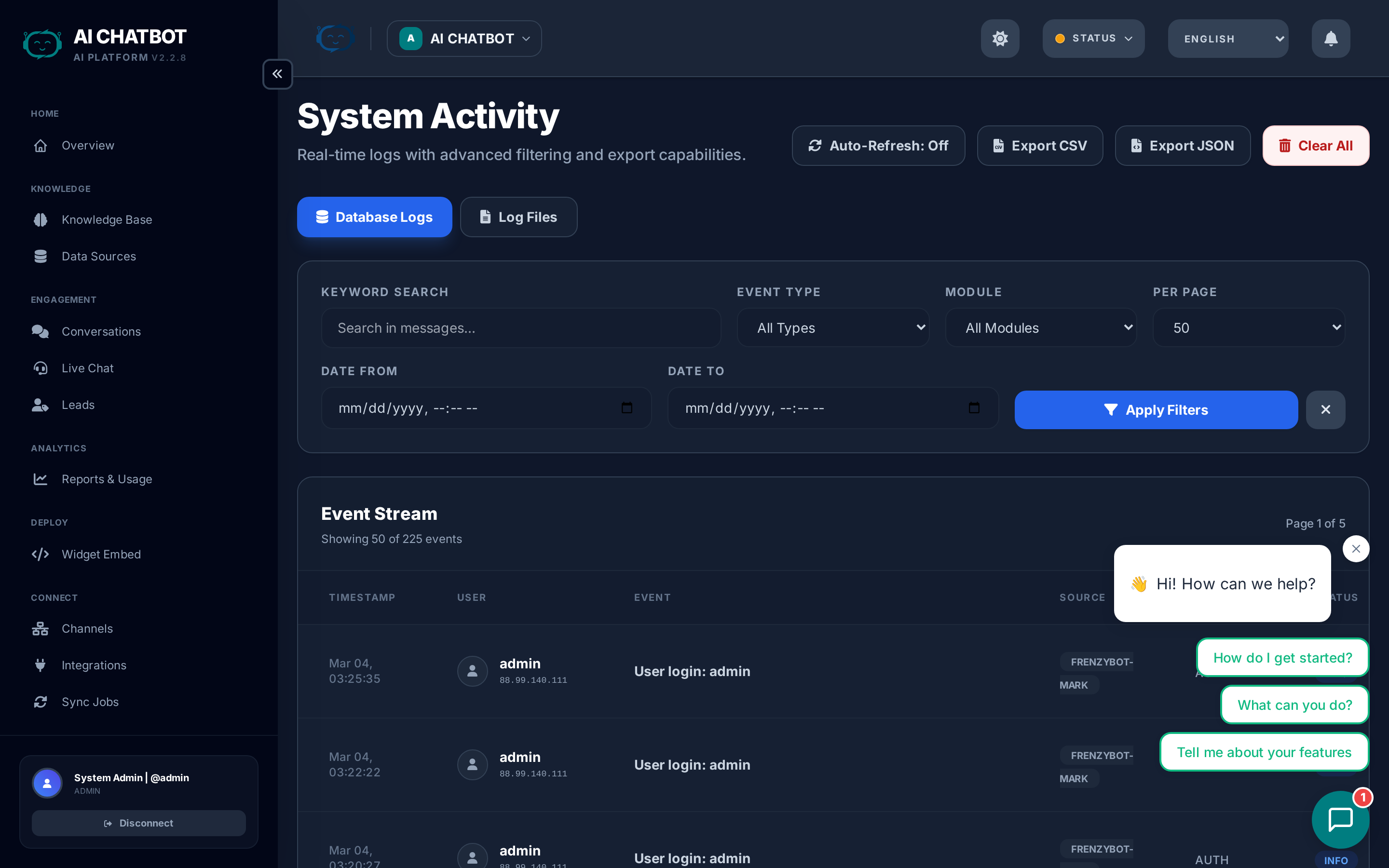
Activity Logs provide a complete audit trail of every configuration change and administrative action in FRENZY.BOT. Use them for security monitoring, compliance, troubleshooting, and team accountability.
Log entry fields
Each log entry captures a complete record of who did what, when, and from where:
| Field | What it shows | Example |
|---|---|---|
| Timestamp | Exact date and time of the action | Feb 08, 2026 21:45:03 |
| User | Username of the person who performed the action | admin |
| Module | Which dashboard module was affected | Settings, Users, Knowledge Base |
| Action | What was done | create, update, delete, login, logout |
| IP Address | The actor's IP address | 192.168.1.100 |
| Details | Description of the specific change | "Changed AI model from GPT-4o to Claude 3.5 Sonnet" |
| Before / After | The old and new values for configuration changes | Before: temperature: 0.7 → After: temperature: 0.3 |
The Before / After comparison is especially valuable — it lets you see exactly what changed and roll back if needed.
What gets logged
Every meaningful dashboard action is recorded automatically:
| Category | Events logged |
|---|---|
| Authentication | Login, logout, failed login attempts |
| Settings | AI model changes, system prompt updates, temperature/top-p adjustments, branding changes, widget config changes |
| Knowledge Base | File uploads, file deletions, URL additions, URL removals, FAQ creates/updates/deletes |
| Users | User creation, role changes, password resets, user deletion |
| Roles | Permission changes for any role |
| Integrations | Integration enable/disable, credential updates, test results |
| Channels | Channel enable/disable, token updates |
| Leads | Lead status changes, lead deletions |
| Bots | Bot creation, bot deletion, bot settings updates |
| Modules | Module activation, module deactivation |
Filtering and search
The filter bar lets you narrow the log stream to find specific events quickly:
| Filter | What it does |
|---|---|
| Module | Show only events from a specific module (e.g., Settings, Users, Knowledge Base) |
| User | Show only actions by a specific team member |
| Action type | Filter by create, update, delete, login, or logout |
| Date range | Narrow to a specific time window |
| Search | Free-text search across event details and before/after values |
Sorting
Logs are sorted by most recent first by default. Click the timestamp column header to reverse the order.
Security & audit use cases
Login monitoring
Track login and logout events to identify: - Unusual login times (middle of the night) - Logins from unexpected IP addresses - Failed login attempts (potential brute-force attacks)
Change tracking
See who changed critical settings: - AI model or system prompt modifications - OpenRouter API key rotations - Branding or widget configuration changes - User role or permission updates
Knowledge base auditing
Track all content changes: - Who uploaded or deleted files - Which URLs were added or removed - FAQ modifications with before/after text
Team accountability
When multiple team members have access: - Verify who made a specific change - Track the sequence of changes that led to an issue - Confirm that procedures are being followed
Compliance
Activity logs support regulatory and internal compliance requirements by providing the four pillars of audit:
- Who — User identity for every action
- What — Detailed before/after values for every change
- When — Precise timestamp with timezone
- Where — Source IP address for every request
FAQ
Q: Why are logs empty?
- The system may be newly set up, or you're filtering to a date range with no activity. Try expanding the date range or clearing all filters.
Q: Why is my action not logged?
- Only dashboard and API-initiated actions are logged. Background system tasks (automated sync jobs, scheduled tasks) are not shown in activity logs.
Q: Can I export logs?
- Contact your account manager for log export options for compliance or external review.
Q: Can I clear old logs?
- Log retention can be configured. Contact your account manager for retention policy adjustments.
Q: Are logs per-bot or global?
- Activity logs show actions within the current bot context. Global actions (user management, system-level settings) are visible to all admins regardless of which bot is selected.