Modules & Add-ons
Path: /dashboard/modules · Permission: Modules module
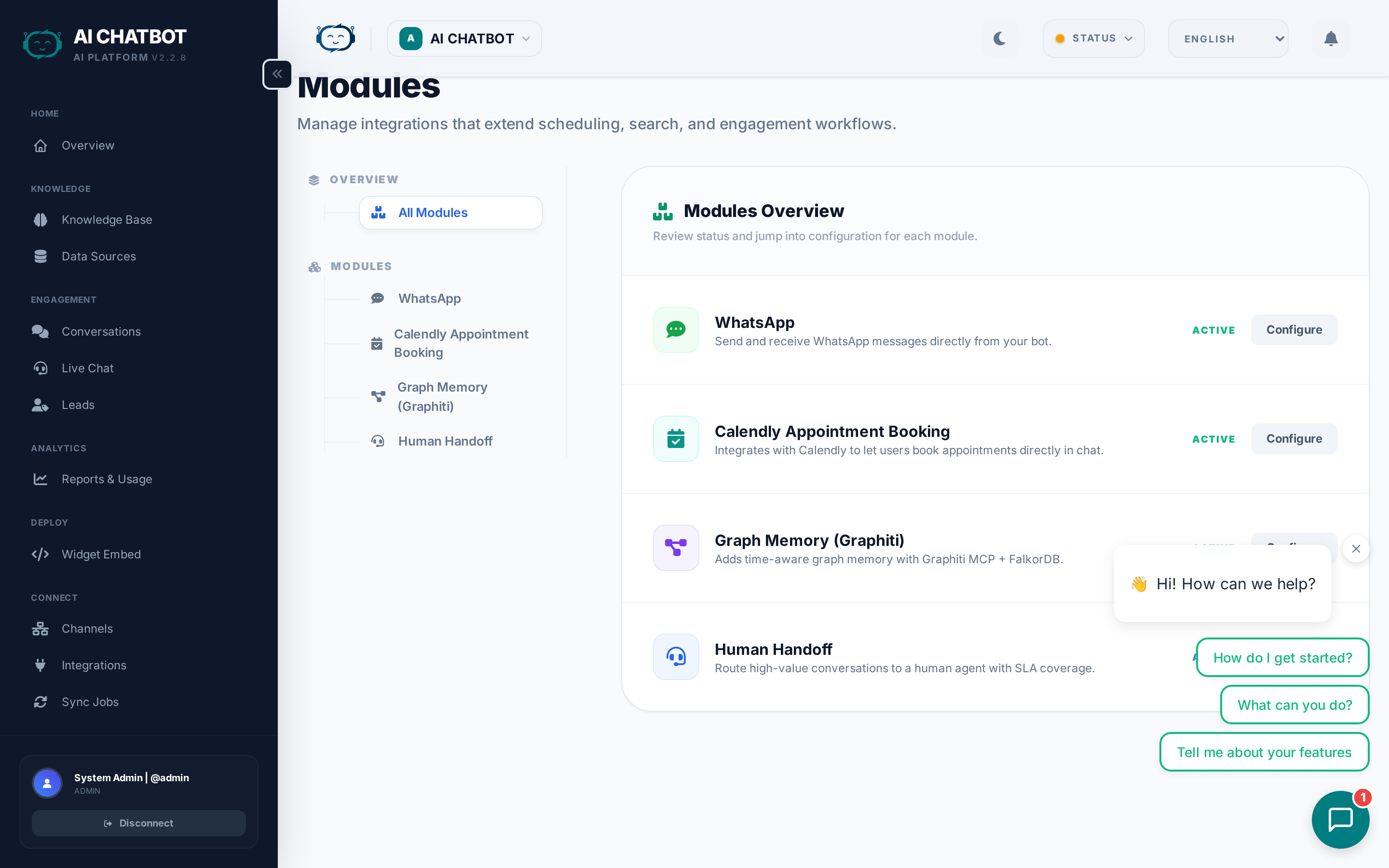
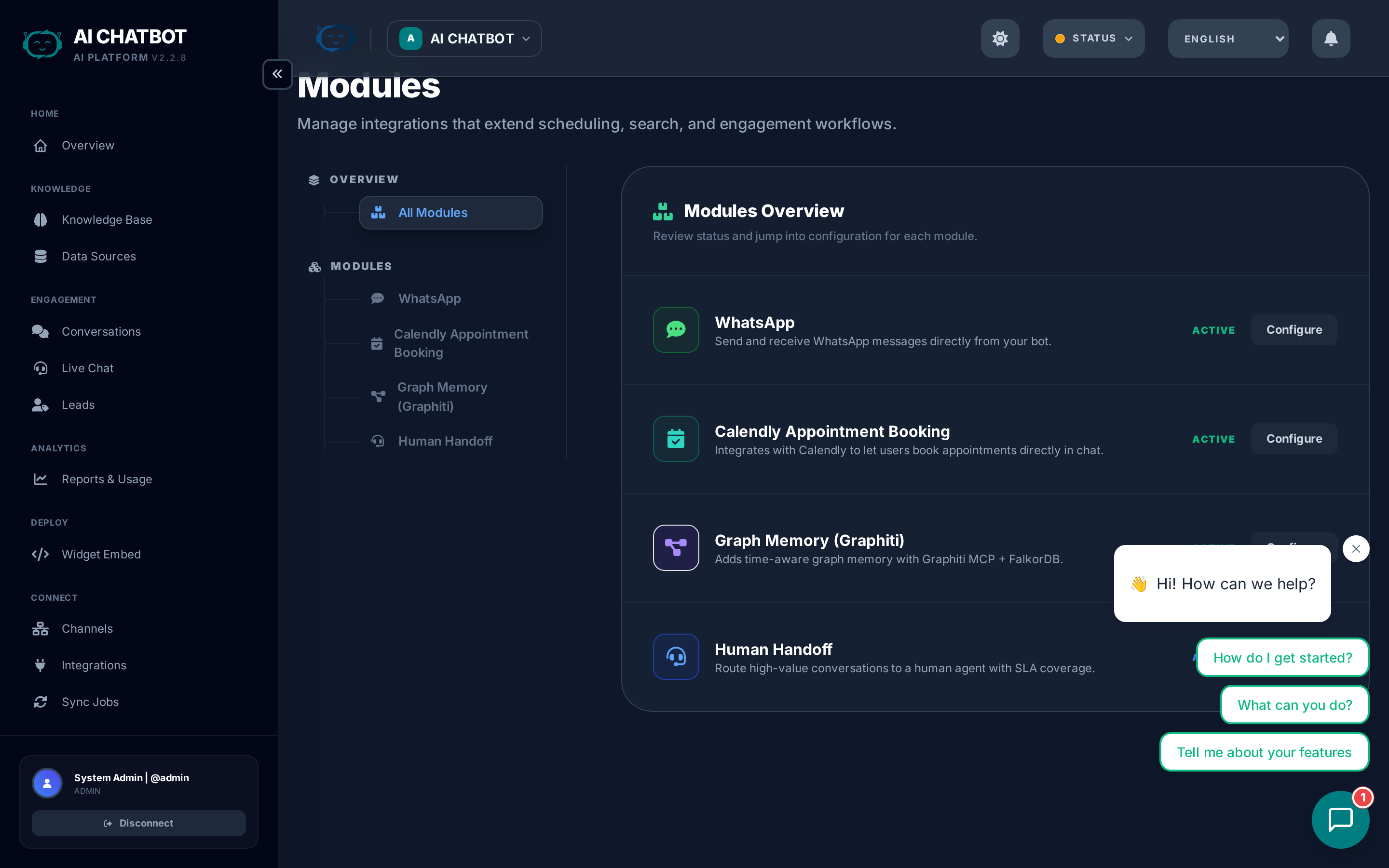
The Modules page is where you activate optional capabilities that extend your AI assistant's skills. Modules are "drop-in power-ups" — enable what you need, disable what you don't, without affecting the core system.
What this page answers
- What modules are available?
- How do I activate or deactivate a module?
- What does each module do and what's its business value?
- Which modules require external API keys?
How Modules are organized
The catalog has two sections:
Custom Enterprise Solutions
Premium, bespoke integrations built for your specific business needs. These are quoted individually and start at $1,995. Examples include custom CRM integrations, proprietary data pipelines, and industry-specific AI workflows.
Instant Drop-in Power-ups
Pre-built modules you can enable instantly from the dashboard. Each module card shows:
- What it does — Feature description
- Business value — How it helps your business
- Status — Active, Inactive, or Coming Soon
- Configuration — Required fields (API keys, settings)
Available modules
Intelligence & Search
| Module | What it does | Requires |
|---|---|---|
| Live Web Access (Tavily) | Searches the live web when your knowledge base doesn't have the answer. The bot cites sources and blends web results with internal data. | Tavily API key |
| Long-Term Memory (Graphiti) | Cross-conversation knowledge graph. The bot remembers facts from previous conversations and builds a growing understanding of each user. | Graphiti MCP server |
Business value: Your bot can answer questions about current events, competitors, or topics not in your knowledge base — while still prioritizing your own data.
Multimedia & Voice
| Module | What it does | Requires |
|---|---|---|
| Text-to-Speech (Speechify) | Converts AI responses to natural-sounding audio playback in the widget. Users can listen instead of reading. | Speechify API key |
| Podcast Transcription | Transcribes podcast audio files and indexes them into the knowledge base. | No external key |
| YouTube Transcription | Extracts and indexes transcripts from YouTube videos for searchable knowledge. | No external key |
Business value: Make your bot accessible to users who prefer audio, and unlock knowledge trapped in video and podcast content.
Support & Operations
| Module | What it does | Requires |
|---|---|---|
| Human Handoff | Enables AI-to-human escalation. Users can request a live agent, and your team handles conversations in real-time from the dashboard. | No external key |
| Appointment Booking (Calendly) | In-chat scheduling. Users can book appointments directly in the widget via Calendly integration. | Calendly account |
| Lead Form | In-chat contact capture with configurable fields (name, email, phone, company, custom fields). | No external key |
Business value: Convert conversations into meetings and qualified leads without leaving the chat interface.
Global & Enterprise
| Module | What it does | Requires |
|---|---|---|
| Multilingual Widget | Multi-language support for the chat widget with language auto-detection and RTL layout for Hebrew/Arabic. | No external key |
Business value: Serve customers globally in their preferred language.
Messaging Channels
WhatsApp, Telegram, and other messaging platforms are now managed in the Channels page, not in Modules.
Data Source Connectors (Roadmap)
These modules are planned for upcoming releases:
| Module | Status | What it will do |
|---|---|---|
| Google Docs / Sheets | Planned | Index Google Docs and Sheets as knowledge base sources |
| Google Calendar | Planned | Let the bot check availability and book time slots |
| Notion | Planned | Import Notion pages and databases |
| Confluence | Planned | Import Atlassian Confluence pages |
| Airtable | Planned | Index Airtable bases as structured data |
How to activate a module
- Open Modules in the sidebar.
- Find the module card you want.
- Click Request Activation (for modules that need setup) or toggle the status directly (for instant modules).
- Fill in any required configuration fields (API keys, account IDs, etc.).
- Click Save.
- Test the feature to confirm it's working.
Deactivating a module
Toggle the module off to disable it. Deactivating a module:
- Stops the feature from functioning.
- Preserves any configuration — you can re-enable later without re-entering settings.
- Does not delete historical data generated by the module.
FAQ
Q: A module shows "Coming Soon."
- It's on the roadmap but not yet available. Check the Roadmap for planned timelines.
Q: Will modules affect my billing?
- Some modules require external API keys with their own pricing (e.g., Tavily, Speechify). FRENZY.BOT doesn't add markup on API costs. Modules without external dependencies are included in your plan.
Q: Can I use a module on only one bot in a multi-bot setup?
- Module activation is currently server-level. All bots on the same server share access to enabled modules. Per-bot module scoping is on the roadmap.
Q: I activated a module but it's not working.
- Check that all required fields are filled in (API keys, account IDs). Verify the external service is accessible. Check Activity Logs for error messages.